Machinima Studio is a tool that allows you to design, capture and export your own machinima movie-scenes in an easy and intiutive way.
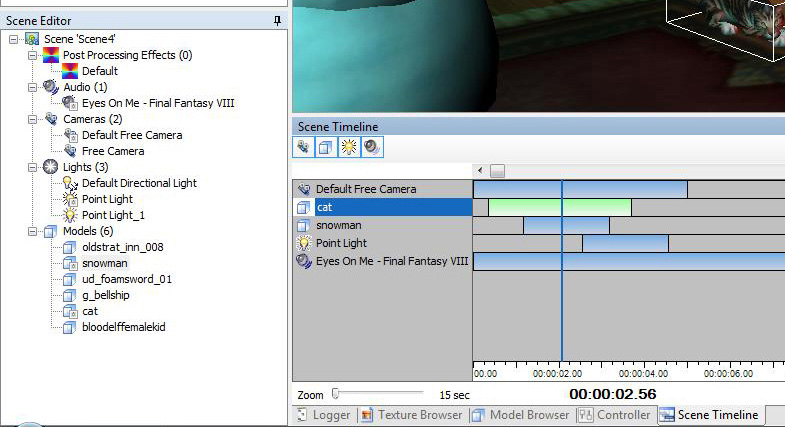
Add models from different games to your scene 3D-space and adjust them to your needs. Put some lights into the scene to set the right mood and apply post processing effects with a simple mouse click. The timeline-based scene makes it possible to animate lights, models and other scene objects to change over time and move them around in your scene space. On top of that, add some audio and export everything to a video file - or just capture it yourself.
Check out the tutorials-section to see Machinima Studio in action.
Machinima Studio is no 3D-editor (3ds Max, Lightwave etc.), nor does it support modeling, model editing or injecting files into games. Machinima Studio accesses the game-files in a "read-only" way.
 - The Swiss army-knife for Machinima creators - The Swiss army-knife for Machinima creators
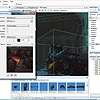
All essential steps for Machinima creators are combined in one powerful tool to design, capture and export movies.
|
|

|
 - A bit of this, a bit of that... - A bit of this, a bit of that...
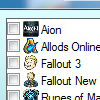
The main focus while building Machinima Studio was to develop a game-independent machinima application. Thanks to a plugin based architecture, support for other games/additional file-formats can be added with ease.
|
|
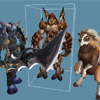
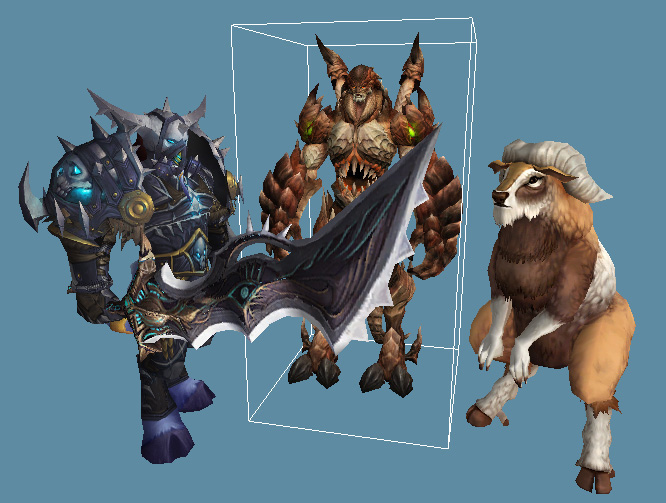
Mix models, audio and textures from different games into one single scene!
|
|
|
 - A proper director's chair - A proper director's chair
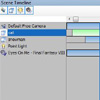
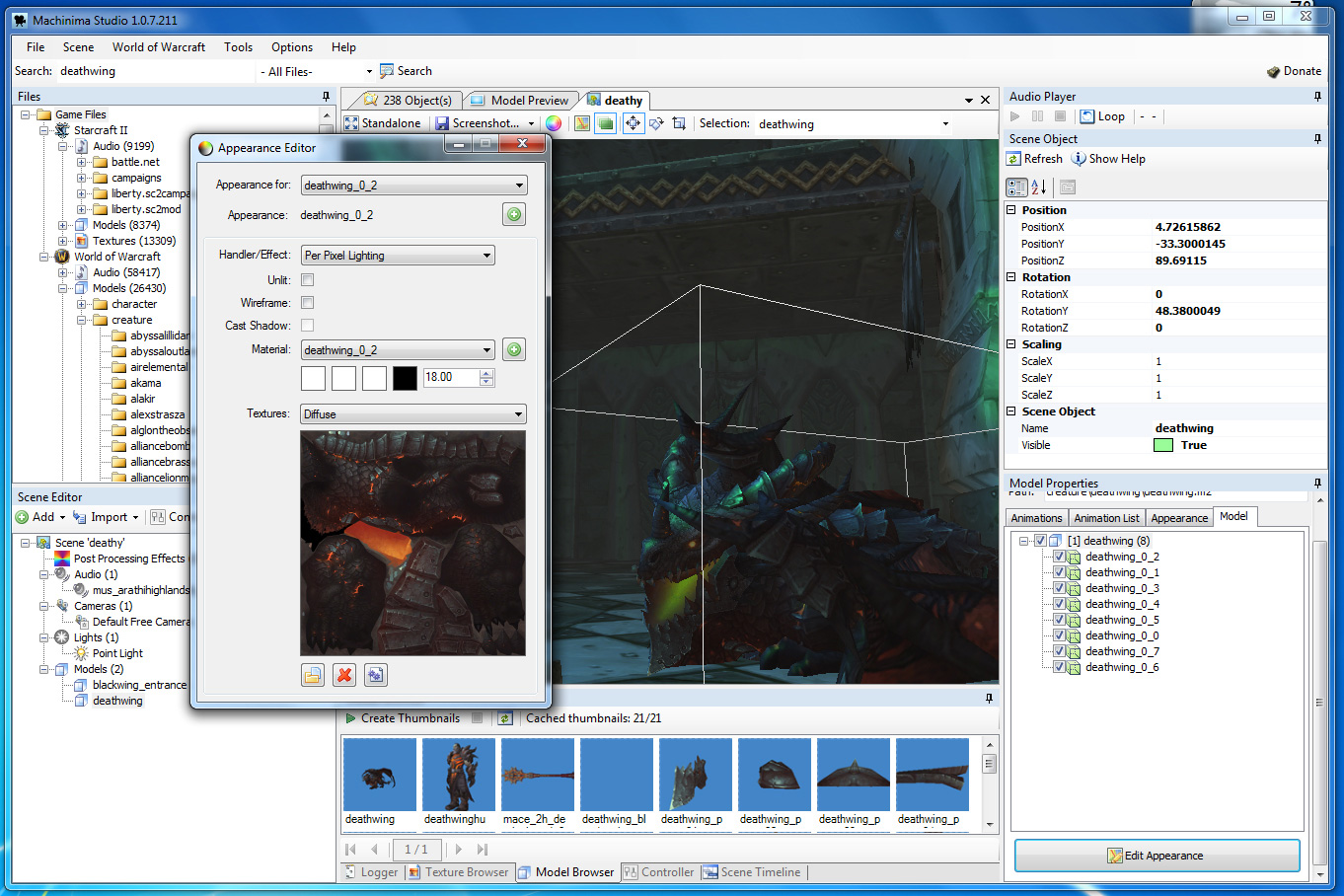
Design your own scenes with unparalleled creative freedom. You can combine multiple character models and have dynamic control over lighting, audio, and camera angles.
|
|
|
 - Move It! - Move It!
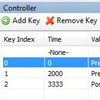
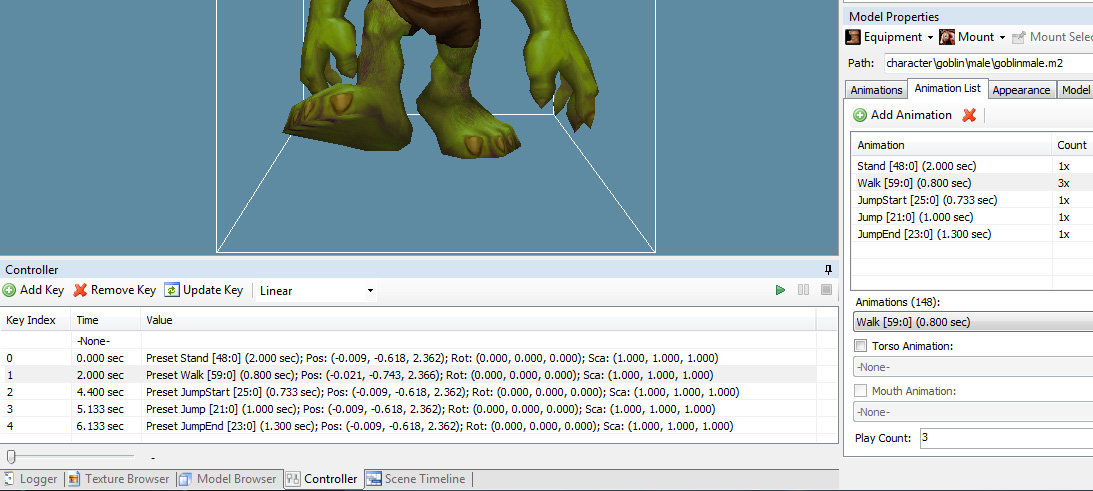
Almost all scene objects (i.e models, cameras, lights, audio) have custom controllers that allow you to add dynamic to your scene. Move, rotate, scale your models over time - define your custom camera-path... no problem!
|
|
|
 - Designed for teamwork - Designed for teamwork
Save, edit and share your Machinima projects. Each scene can be exported into a small data package which is easily shared with other members of your team or your friends.
|
|
|
 - Standalone Output - Standalone Output
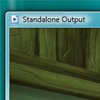
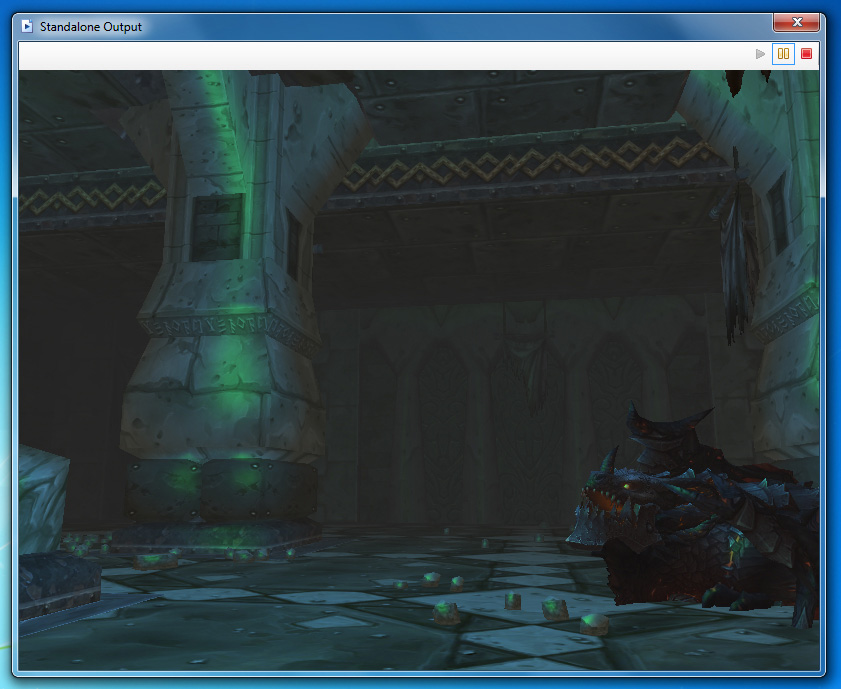
The "Standalone Output" window is a dedicated render window, especially designed for recording your scenes. You can change the resolution, antialiasing and other options to meet your requirements.
|
|
|
 - Render Export - Render Export
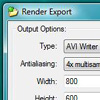
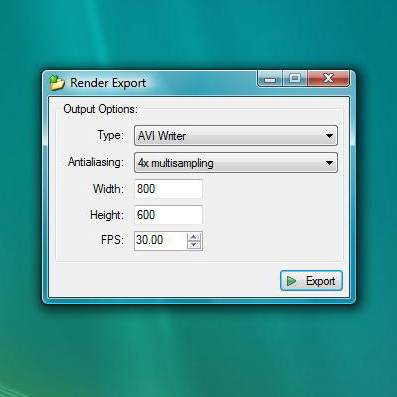
Too many models, effects in the scene and your fps drops? No problem, with the render export feature you set your desired fps and Machinima Studio will create an AVI, GIF or simple write image files to your filesystem.
|
|
|
 - Plays well with others - Plays well with others
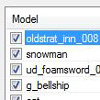
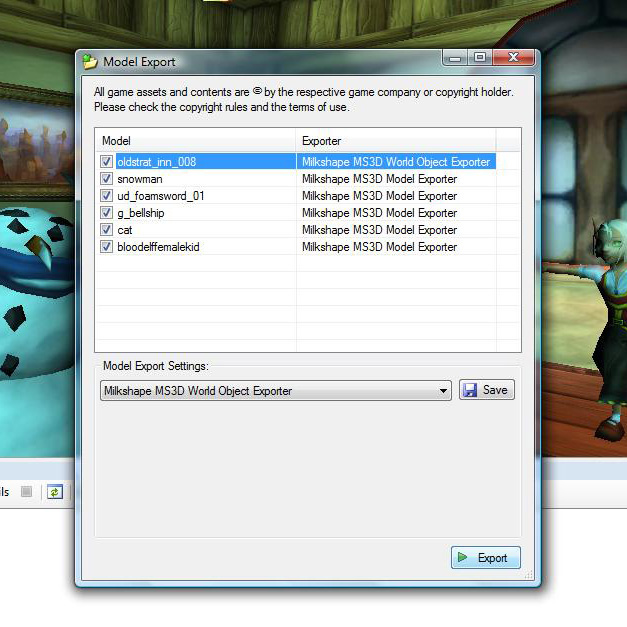
Scenes, models and assets can be exported into a variety of industry standard file formats (.obj, .fbx, .ms3d) to ensure compatibility in customized environments. |
|
Side Features: |
|
 - Automatic Game Client Detection - Automatic Game Client Detection
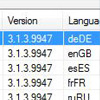
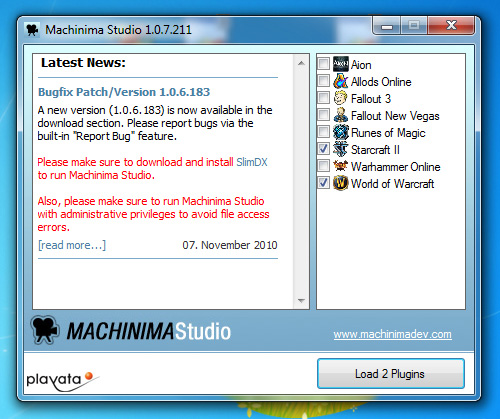
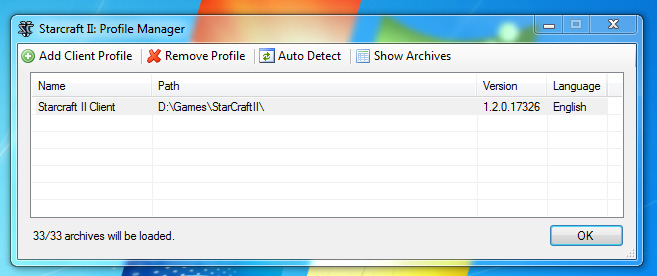
On startup, Machinima Studio will automatically detect your installed games and give you options to load what version and language settings you'd like to load.
|
|
|
 - Audio Files - Audio Files
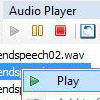
Listen to audio files and see additional information like the audio-length with a simple click. Once you found a sound that matches your scene just apply and adjust it to your needs.
Need the sound in another format? No problem, convert between .wav, .mp3 and .ogg and save the output to your hard drive.
|
|
|
 - Texture Files - Texture Files
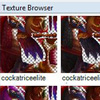
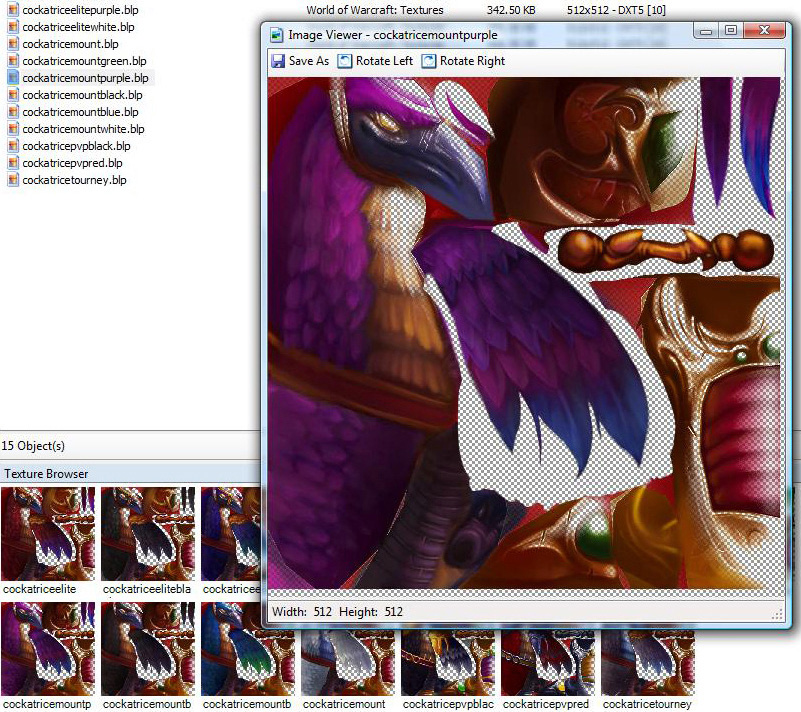
Browse texture files, preview, save and apply your own custom textures on a model.
Export textures to common image formats such as .bmp, .png, .jpeg, .tiff or .gif.
|
|
|
 - Model Files - Model Files
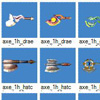
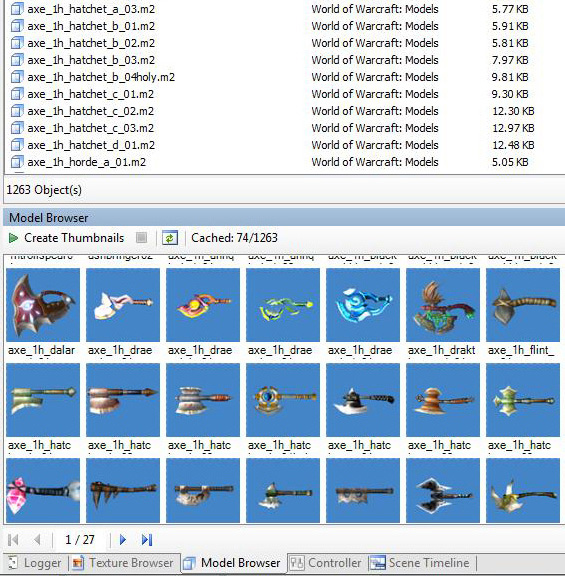
Preview models, browse, export and add as many models to a scene you want.
Export models to .obj, .fbx or .ms3d with dozens of additional options with a simple click.
|
|
|
 - Search - Search
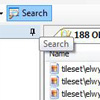
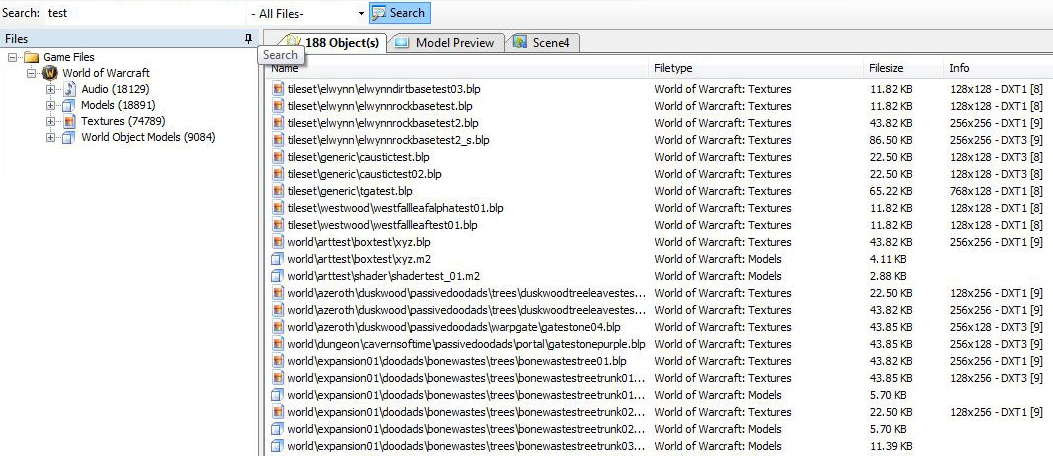
Search all loaded plugin files and find exactly what you need. Just type "attack", select "Audio-File" search and you have all audio files with attack-sounds... too easy.
|
|
|
 - Plugin Browsers - Plugin Browsers
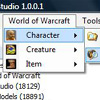
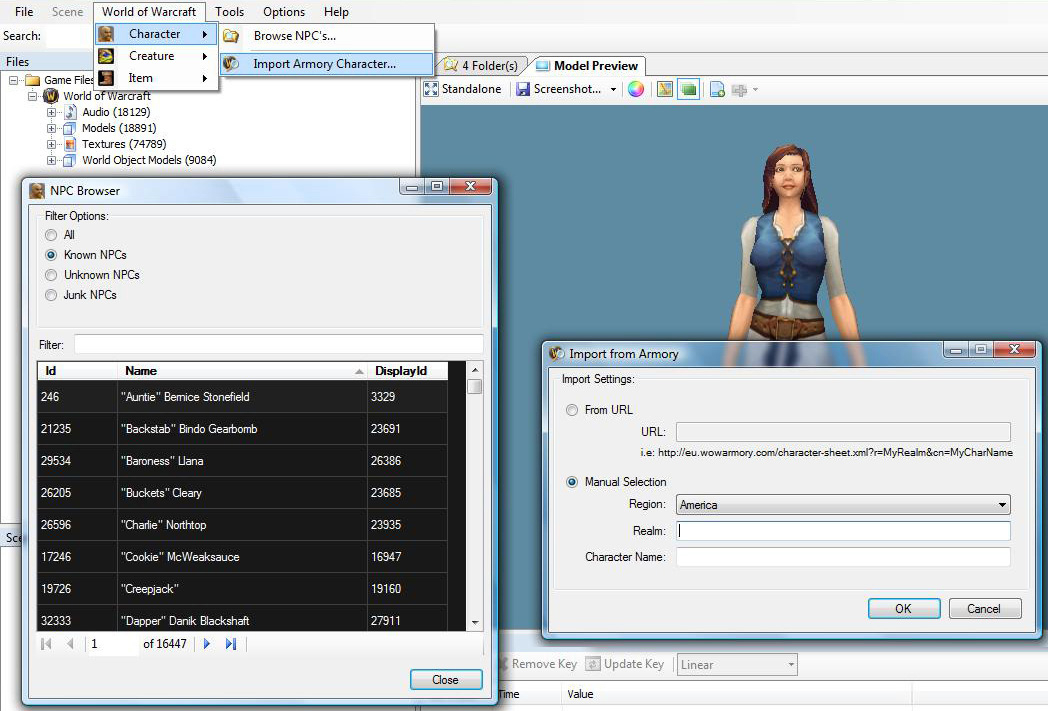
Some plugins allow you browse the respective game data (items, creatures, npcs) and add them to your scene.
|
|
|
 - Clone Scene Objects - Clone Scene Objects
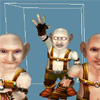
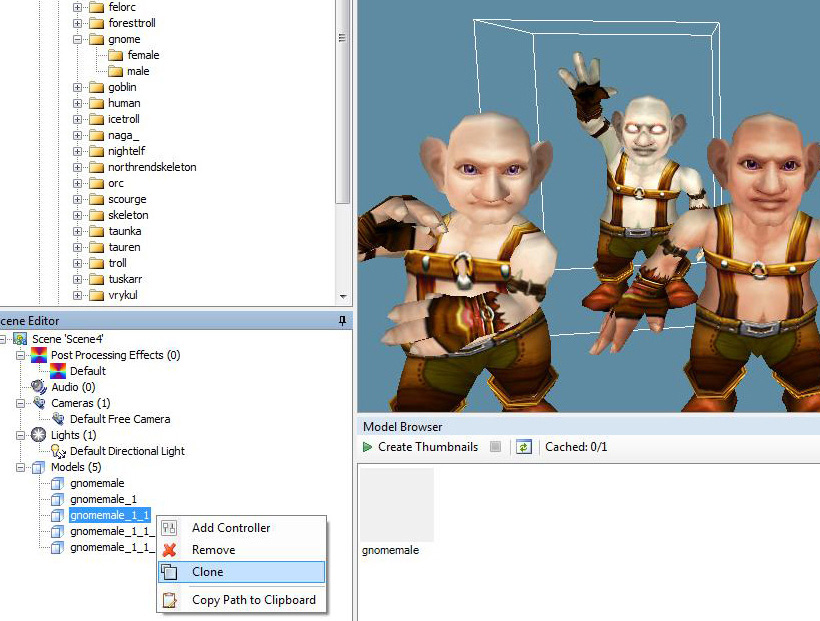
Some scene objects (models, cameras, lights) can be cloned. Ever wanted to create your own gnome army? You're just a few clicks away...
|
|
|
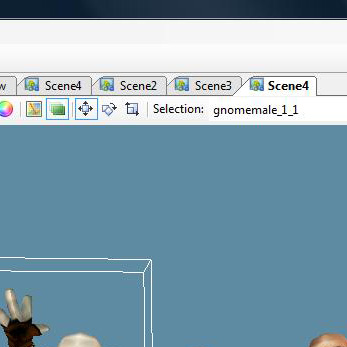
 - Manage scenes at the same time - Manage scenes at the same time
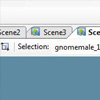
You can open and create as many scenes as you want - at the same time! Switch back and forth between scenes with a single mouse click.
|
|
|
 - Operating System Integration - Operating System Integration
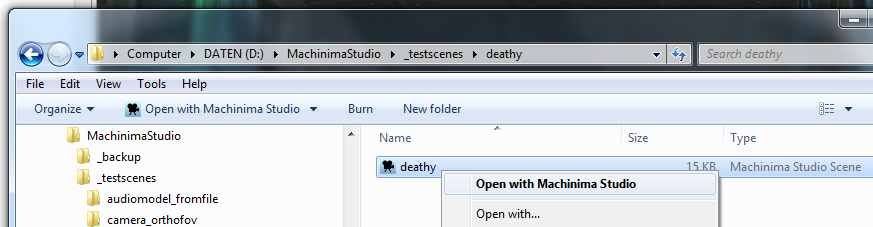
Machinima Studio registers its own file formats on your system so you can just double-click on a previously saved scene-file and Machinima Studio will open it up.
|
|
|
 - Screenshots - Screenshots
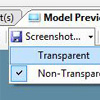
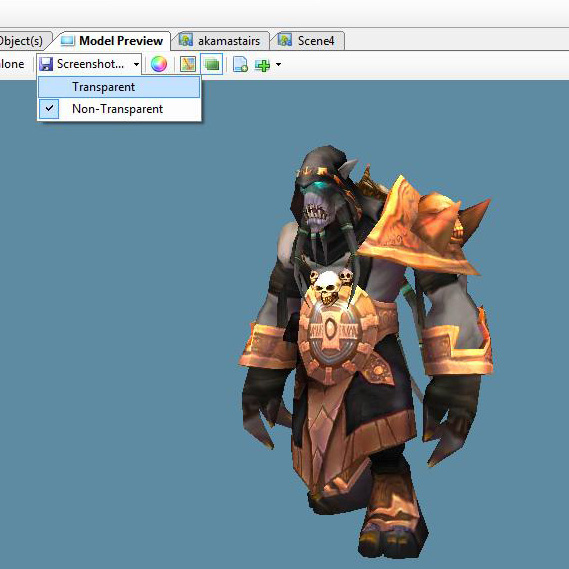
Create screenshots of your scene or preview anytime you want - even with transparent background.
|
|
|
 - File/Folder Extraction - File/Folder Extraction
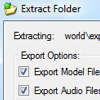
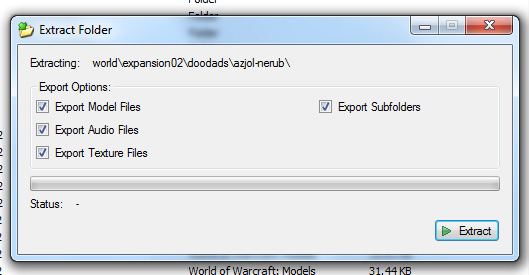
Save individual files or extract full folder contents to your hard drive with a few mouse clicks.
|
|
|
 - Updater - Updater
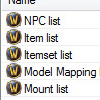
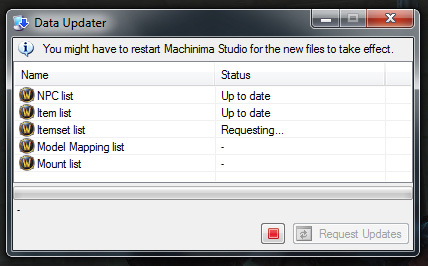
Machinima Studio updates itself automatically. So you'll always have the newest content and plugins right on start up.
Some data files such as NPC or item lists are even updateable on-demand.
|
|
|





 And a lot more...